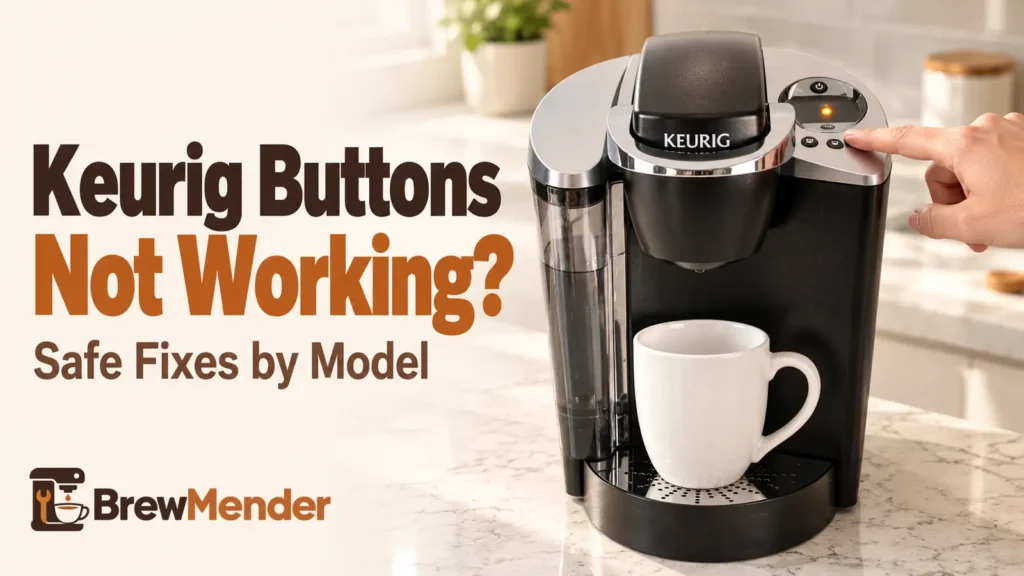
Keurig buttons not working even though the brewer lights up? First check whether the machine is ready to accept a press. A fully closed handle, enough water, and the correct button sequence matter on many models. Some Keurigs also disable brew selections after a short delay. These clues can guide your next check, but none proves that a physical button is broken.
Start with the symptom table below, then try the safe checks that match your brewer. If a documented warning pattern appears or the controls still will not respond, contact Keurig rather than opening the machine.
Keurig Buttons Not Working? Identify the Symptom First
Choose the closest match. These are starting points, not confirmed diagnoses; button behavior differs by model and sometimes by generation.
| What you notice | What it may mean | First step |
|---|---|---|
| No lights or response | The brewer may not have power or may be off | Follow the dedicated no-power checks |
| Lights on, but no buttons respond | Brewer not ready, buttons timed out, or a control problem | Check handle, water, and your model’s sequence |
| Cup-size button works, Brew does not | Some models require a separate Brew press | Compare the model instructions below |
| Size buttons blink | Can be a normal ready signal or a model-specific warning | Identify the exact model and light pattern |
| Brew starts, but little or no water flows | The command may have registered; water delivery is the issue | Use the water-flow troubleshooting article |
| Only one physical button does not respond | Possible obstruction or a control problem | Inspect and wipe the exterior safely |
If there are no lights at all, start with Keurig won’t turn on. If it went dark immediately after descaling, Keurig won’t turn on after descaling addresses that separate situation. If the brew starts but water does not move, use Keurig not pumping water instead.
Safe Checks Before You Assume a Keurig Button Is Broken
Follow only the checks that apply to your model. Do not raise the handle or remove the reservoir during an active brew: the pod holder can contain very hot water.
- Check whether the brewer is off or asleep. Use the normal power or wake-up control shown in your own guide. Some brewers wake when the handle is raised; others use a POWER or another labeled button. What to look for: lights appear and the controls become available. If it stays completely dark, use the no-power article linked above.
- Close the handle completely, but only when no brew is running. Make sure the pod and holder are correctly seated and lower the handle without forcing it. The K-Elite guide and original K-Café guide describe flashing brew selections after the handle is secured. What to look for: a ready-to-select pattern for your model.
- Check water and reservoir seating. Fill only to the recommended line and confirm a removable reservoir sits securely. The K-Express guide says water must reach its minimum line; the K-Supreme guide lists at least 6 oz for a brew. Low water may stop brewing, but it does not prove the physical button has failed. What to look for: the Add Water message clears or brewing can be selected.
- Follow the exact button sequence. Some Keurigs begin brewing when you press a cup-size button. Others require a size selection followed by a separate blinking BREW button. Compare the model examples below before repeating the same press.
- Try a documented power cycle where applicable. A published K-Express Essentials FAQ says to try the POWER button to turn the unit off and on; if controls still do not respond, unplug it, wait 30 seconds, reconnect, and press POWER. This is a simple power cycle, not a universal factory reset. The K-Express Essentials FAQ copy concerns that specific model, not every brewer sold as K-Express. If your model’s guide differs, follow it. Never handle the plug if water or electrical damage is present.
Don’t confuse two models: K-Express and K-Express Essentials are not interchangeable names. The 30-second nonresponsive-button guidance above comes from a K-Express Essentials FAQ. Check your brewer’s exact model before applying model-specific instructions.
Keurig Brew Button Not Working but Lights Are On
A lit panel tells you the brewer has power, not necessarily that it is ready to start a brew. A flashing cup-size light can mean “choose a size” on one model, while a particular combination of blinking lights can indicate a fault on another. Watch which lights blink, when they blink, and whether another button responds.
- K-Express: After the handle is lowered, the K-Express manual says the three size buttons blink. Press a size to start brewing; it does not use a separate BREW button for that sequence.
- K-Supreme: The K-Supreme guide describes selecting a cup size and then pressing the blinking BREW button. Smart Start may heat the water before dispensing begins.
- K-Duo Essentials Gen 2: Choose OZ for a single cup or CUPS for a carafe, select the brew size, then press the flashing BREW button as described in its guide.
- Original K-Café: The coffee and specialty-drink mode buttons lead to different selection steps. Follow its specific brew sequence rather than assuming the K-Express controls work the same way.
If a control registers and a brew cycle begins but the brewer produces little or no water, stop diagnosing the buttons. That is a different water-flow symptom.
If the unresponsive controls belong to a K-Express or K-Express Essentials, see our K-Express not working checks for the model-specific power, button, and brew symptoms.
Model-Specific Reasons Keurig Buttons Can Seem Unresponsive
K-Latte and Original K-Café: Brew Buttons Time Out
The K-Latte Use & Care Guide and original K-Café guide say brew buttons are disabled after 60 seconds. For those documented models, lifting and lowering the handle fully reactivates the buttons. Do this only when brewing has finished. The original K-Café guide also provides separate instructions for the milk frother; if that is the part not responding, use K-Café frother troubleshooting.
Earlier K-Duo Essentials: Wake the Single-Cup Buttons
The earlier K-Duo Essentials Use & Care Guide describes a 60-second timeout for the single-cup controls, with OZ or CUPS used to reactivate selection. Do not transfer that timing to the newer Gen 2 without verifying its own manual.
K-Elite and K-Duo Essentials: Blinking Is Not Always the Same Signal
On the K-Elite, flashing size buttons during normal brew selection are different from the manual’s all five sizes blinking together as a troubleshooting fault. In the latter condition, Keurig directs owners to Customer Service. The manual also distinguishes a separate pattern in which all five sizes and ICED are steadily on, which has different instructions and may dispense hot water.
For K-Duo Essentials Gen 2, the manual says to contact Customer Service if all buttons blink simultaneously. If you cannot tell whether the pattern is normal or unusual, compare Keurig lights flashing by model before trying anything else.
What If Only One Keurig Button Does Not Respond?
If other controls respond but one physical button does not, the issue may be limited to that control. You cannot identify the internal cause from the outside.
- Look for an exterior obstruction. After turning off and unplugging the brewer and allowing it to cool, gently wipe the accessible outside surface with a damp, nonabrasive cloth as permitted by the model’s cleaning instructions. Do not let liquid enter control-panel gaps.
- Try the control again only when the brewer is safely dry and ready. If it works normally, the issue may have been temporary; that observation does not establish a specific fault.
- If the same button still fails: contact Keurig. Do not pry at the panel, remove the cover, spray cleaner into switches, or buy an unverified circuit board.
When to Stop Troubleshooting and Contact Keurig
Stop using the brewer if you notice smoke, sparks, a burning smell, damage to the cord or plug, repeated breaker trips, or water near electrical connections. Unplug it only if you can do so without contact with water or another hazard.
Contact Keurig if the controls remain unresponsive after the supported checks or your exact manual directs you to Customer Service. Have the model name, serial number if available, affected button, light pattern, and a summary of what you tried.
Use Keurig Support or call 1-866-901-BREW (2739) for US support. Many guides describe a limited one-year home-use warranty, but confirm the terms for your own product and purchase. Do not ship a brewer back without return instructions from Keurig.
If the brewer loses power during brewing rather than ignoring a button, the Keurig keeps shutting off article covers that different symptom. For a consistently nonresponsive control, manufacturer support is a better next step than opening a sealed electrical appliance or buying an unverified replacement part.